About Clixz
A modern productivity tool built for creators, developers, and professionals who want faster access to their most important information while keeping their workflow simple and organised.
Clixz keeps the things you copy and the credentials you use most often in one secure, organised place.
Clixz tracks your clipboard history so you can quickly find text, links, images, code snippets, colours, file paths, and terminal commands whenever you need them. It also includes a built-in password manager for securely storing and accessing logins without cluttering your workflow.
Designed for people who move between tools, projects, and tasks all day, Clixz makes it easier to retrieve important information, stay organised, and keep sensitive details protected.

Save time and stay organized with Clixz


Organized Copies
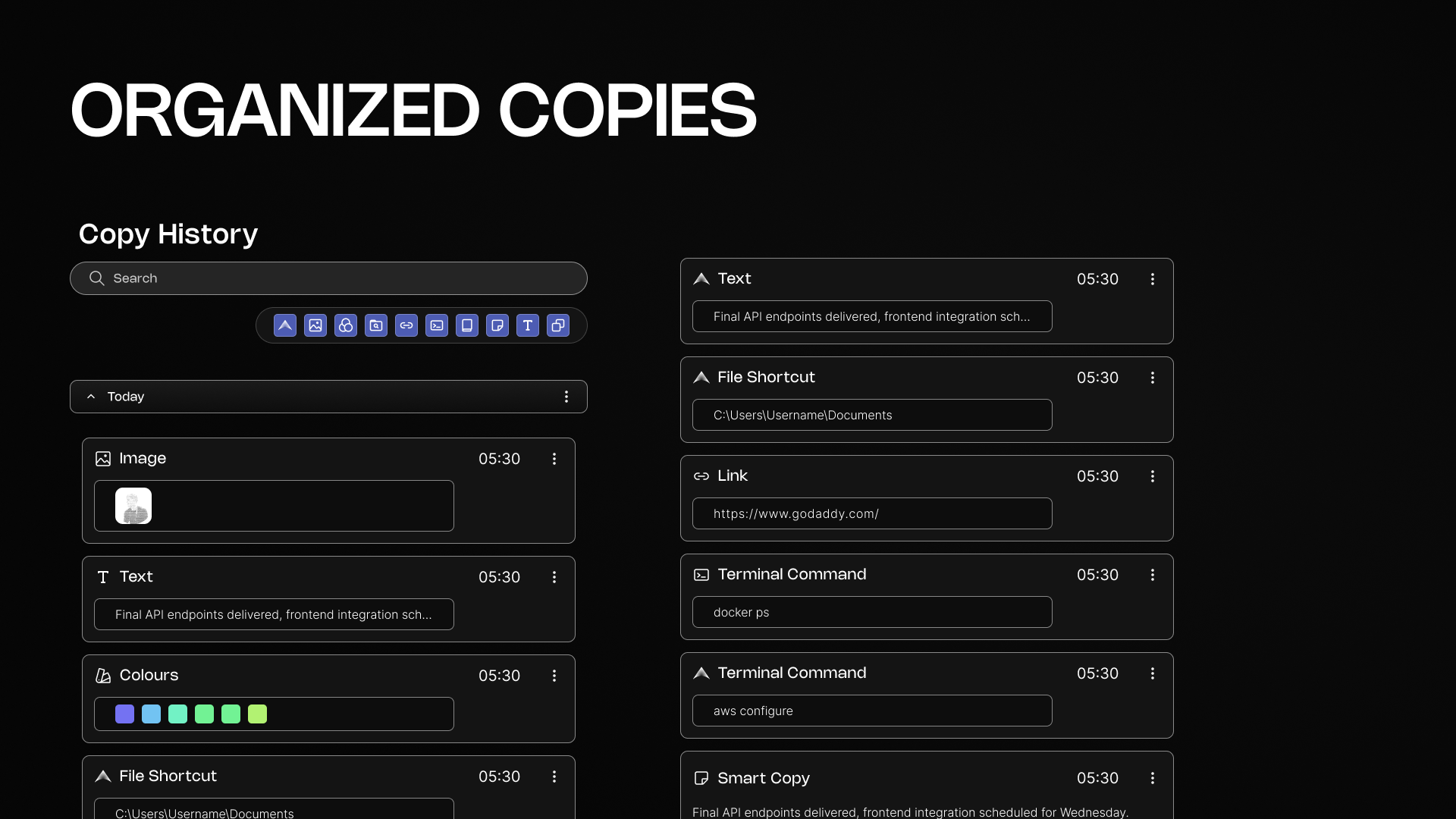
Clixz turns your clipboard into an organised workspace instead of a temporary dumping ground. Every piece of content you copy is automatically saved, categorised, and searchable so you never lose important information again.
Whether it's text, images, commands, links, or files, Clixz keeps everything structured and easy to find. Instead of digging through documents, messages, or notes, you can instantly access your copy history and reuse what you need.
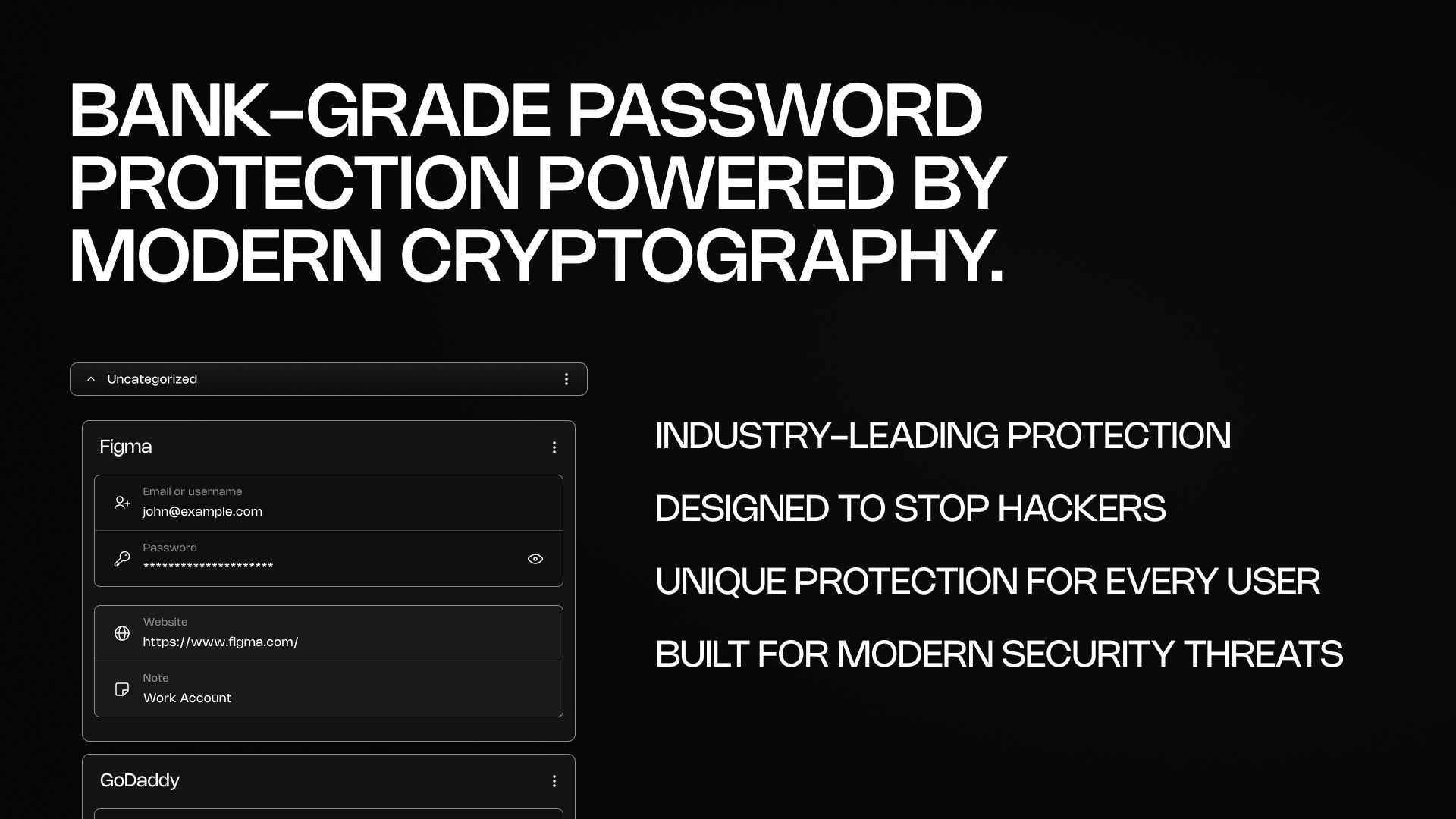
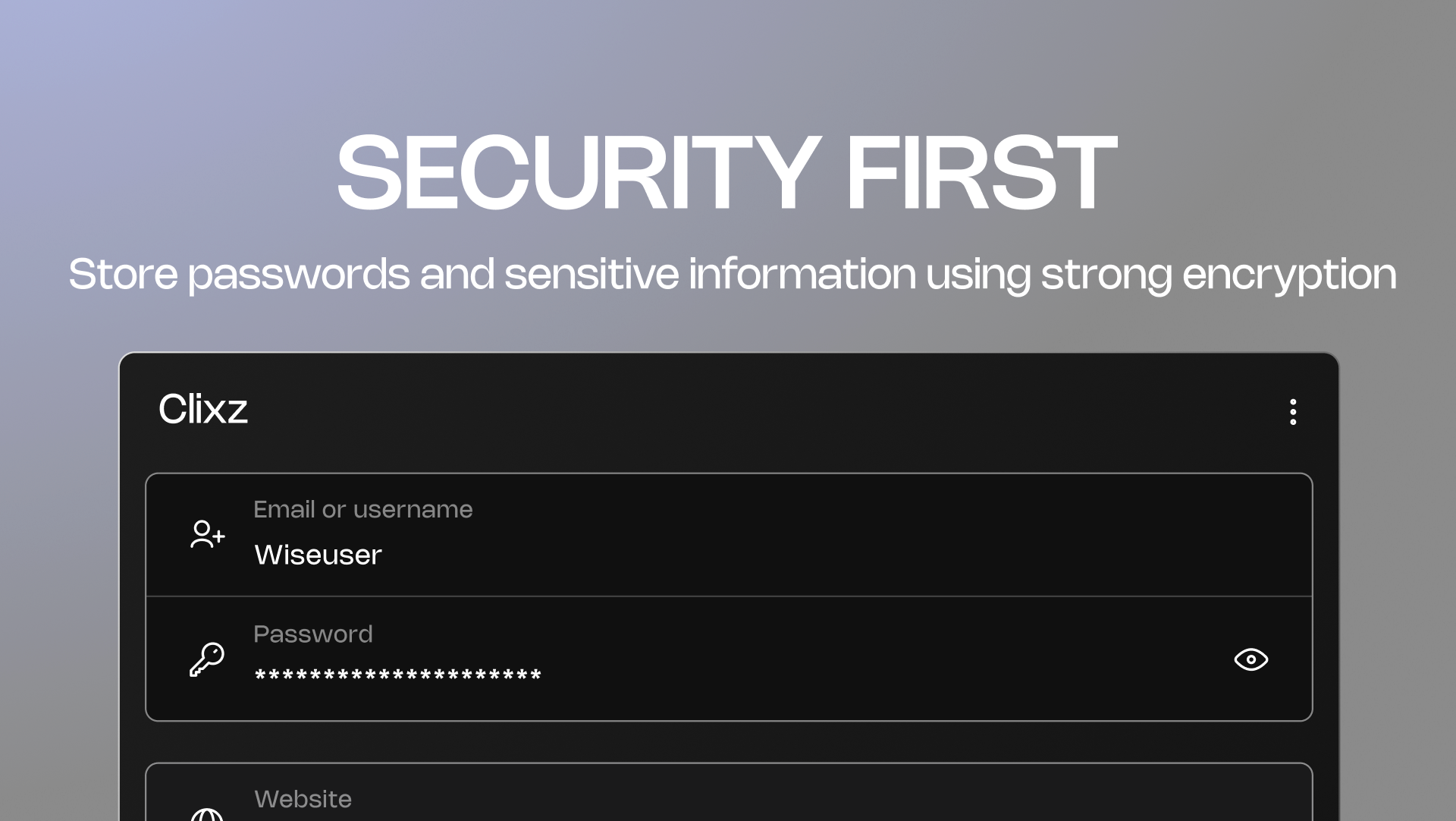
Bank-Grade Password Protection Powered by Modern Cryptography
Security is a core part of Clixz. Your passwords and sensitive information are protected using modern cryptographic standards designed to resist even advanced cyber attacks.
Instead of storing passwords in plain form, Clixz uses strong hashing and encryption techniques designed specifically to protect sensitive credentials. This ensures that even if stored data were ever exposed, it would remain extremely difficult for attackers to recover real passwords.
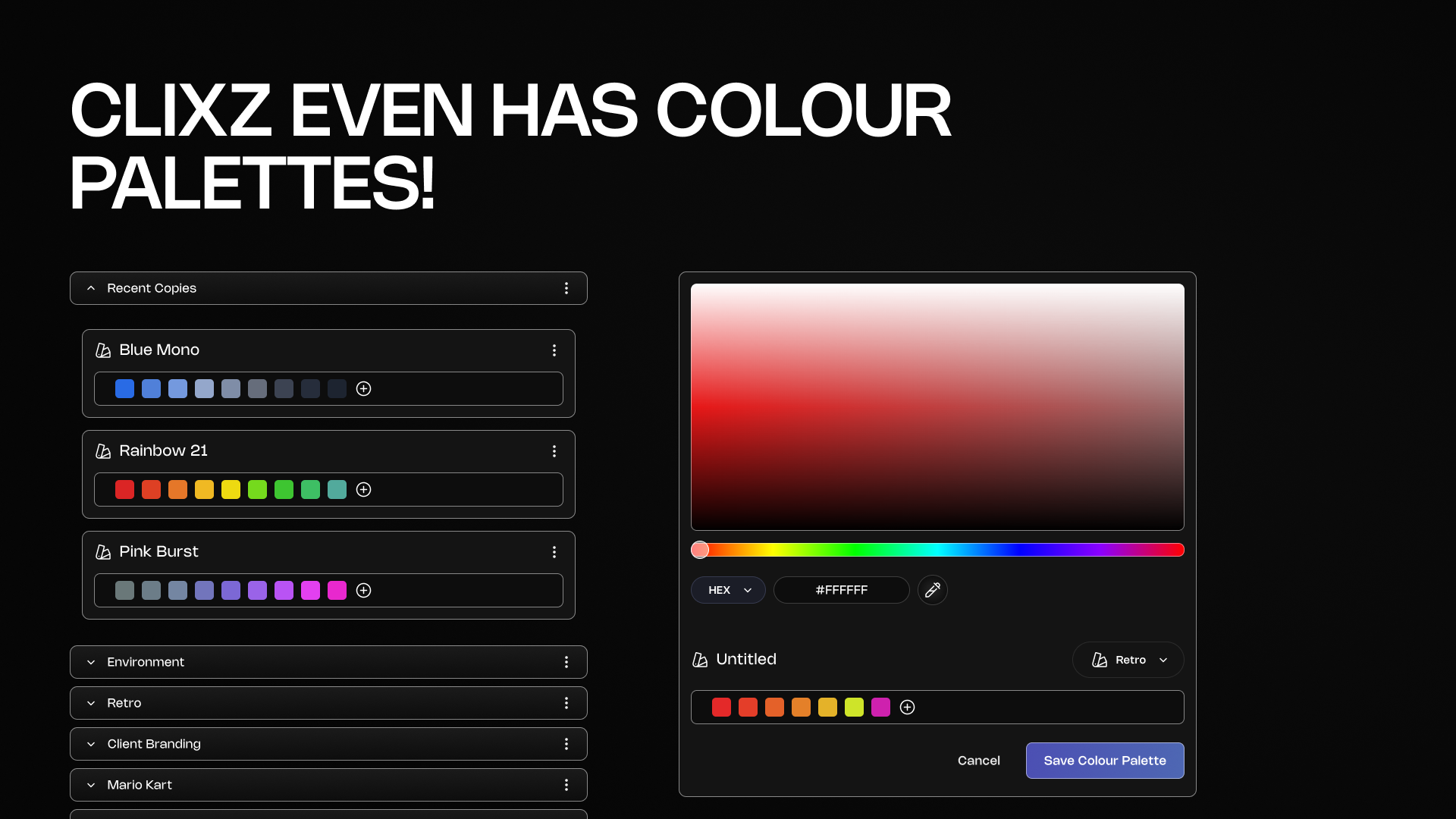
Clixz Even Has Colour Palettes!
Clixz isn't just about text and commands, it also helps creatives keep visual ideas organised. Designers and developers can save colour palettes directly inside their workflow and reuse them whenever needed.
Instead of switching between multiple tools or digging through old design files, your colour references stay stored alongside the rest of your copied content.
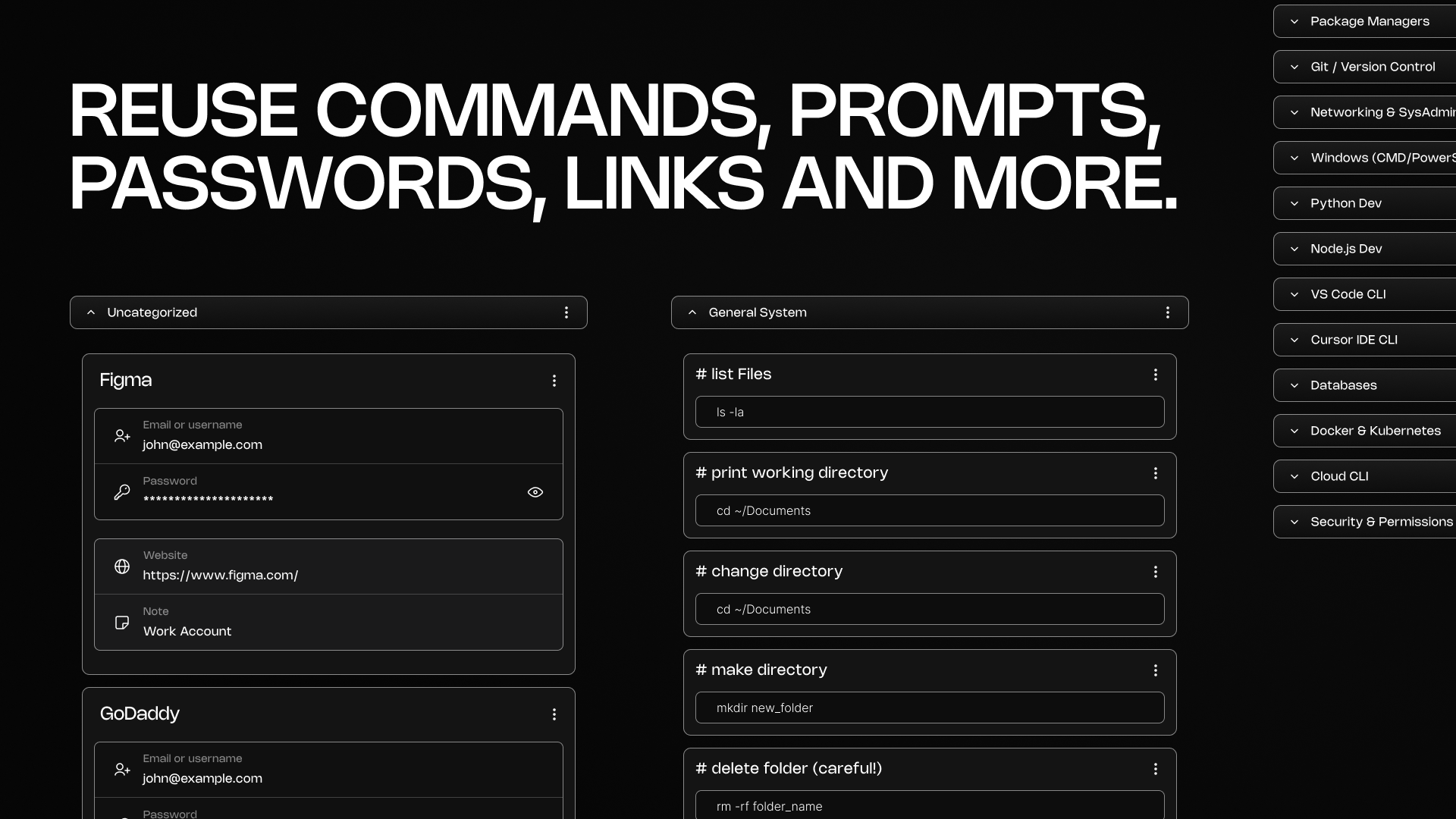
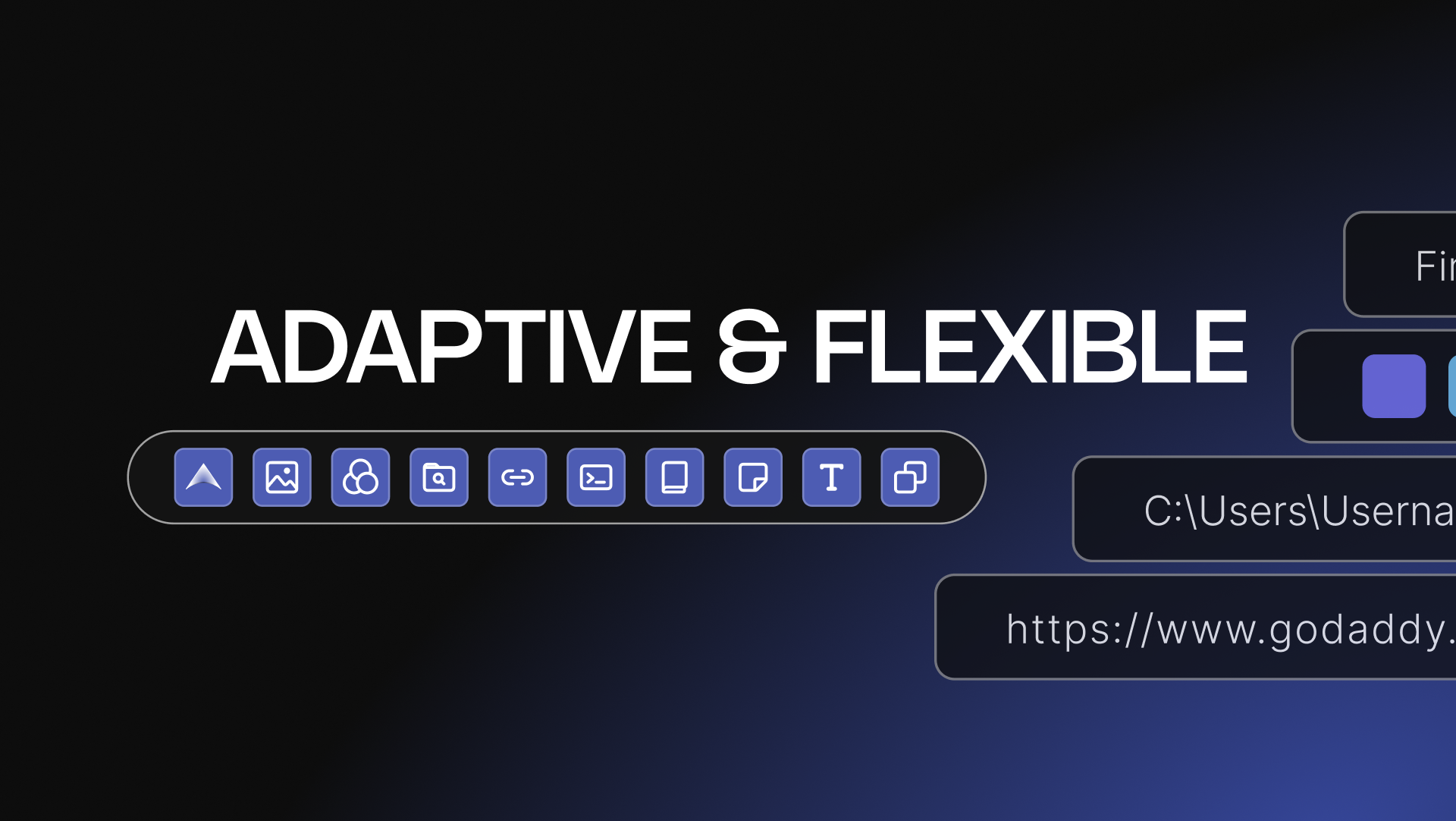
Reuse Commands, Prompts, Passwords, Links and More
Clixz is designed for people who constantly reuse information - developers, designers, students, marketers, and anyone working online.
Instead of rewriting commands, prompts, links, or login details over and over again, you can store them once and reuse them instantly. This makes repetitive tasks faster and eliminates the frustration of searching for things you already created.